
SSL-VPN vs. Zero Trust: Safer Remote Vendor Access for Industrial Systems
INDUSTRIAL CYBERSECURITY | SCADA | REMOTE ACCESS
Controlling what a vendor can reach matters more than the name of the technology used to connect.
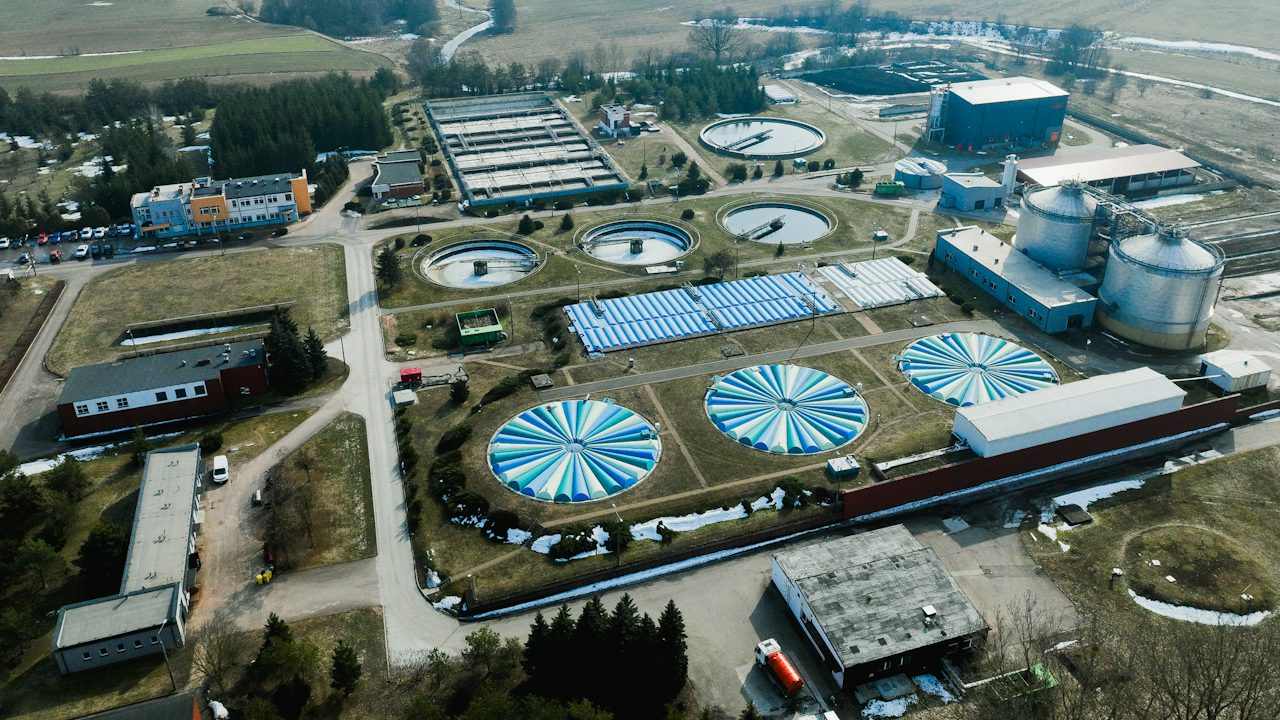
Remote access can shorten downtime and bring the right specialist into a troubleshooting session without waiting for travel. That matters when a water treatment plant loses communications at 2:00 AM, a wastewater facility needs help with a PLC fault, or a manufacturer needs specialized support for a drive or analyzer.
The security question begins after the connection is established: once someone connects, what can that person or remote computer actually reach?
SSL-VPN: Flexible network access that depends on policy
An SSL-VPN, typically implemented with modern TLS encryption, creates an encrypted session between a remote user and a network gateway. After authentication, the gateway and surrounding network controls determine which routes, addresses, and services are available.
This model can fit industrial tools that expect direct IP connectivity. For example, engineering software may need to communicate with a controller through specific TCP or UDP ports and supporting services. A properly configured VPN can provide that path without changing the engineering application.
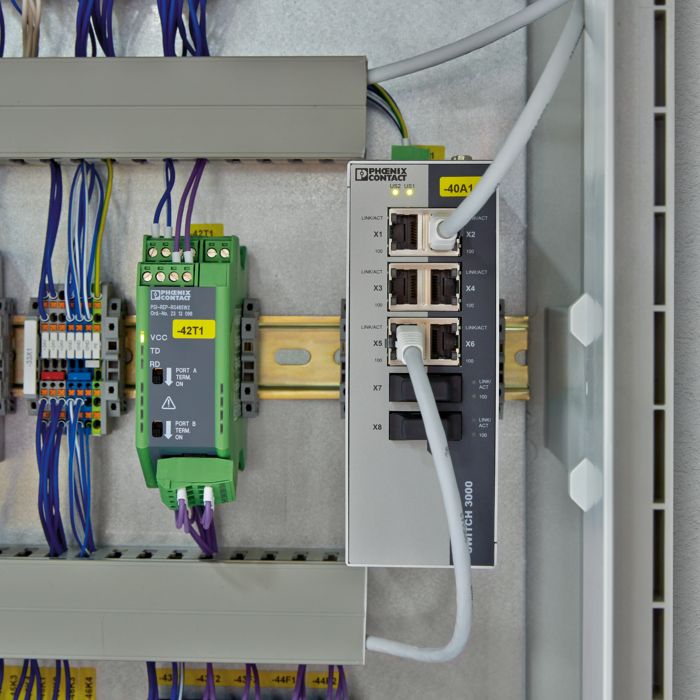
Operational strength
Protocol flexibility
Network-level connectivity can support legacy and specialized programming or diagnostic workflows when routing and firewall policies are designed for them.
Primary risk
Excessive reach
A vendor who needs one workstation may receive access to a full automation subnet containing PLCs, SCADA servers, drives, switches, and gateways.
Key control
Restrictive policy
Routes, firewall rules, access control lists, schedules, and segmentation can limit a VPN identity to required destinations and services.
Broad access is not an inherent requirement of SSL-VPN technology. It is a configuration and architecture problem. A compromised vendor laptop or stolen credential can inherit only the permissions that the environment grants, whether those permissions are broad or narrowly scoped.
ZTNA: Resource access instead of implicit network trust
ZTNA is designed to grant access to specifically authorized resources rather than provide general network connectivity simply because a user authenticated. Policies may consider identity, authentication strength, device condition, assigned role, destination, and other context.
A contractor who needs one SCADA web interface may be allowed to reach that application without gaining the ability to scan the automation subnet or communicate directly with unrelated controllers. This reduces opportunities for lateral movement if an account or endpoint is compromised.
Traditional SSL-VPN
Key point: SSL-VPN access can be narrow or broad. The enforced network policy sets the exposure.
Zero Trust Network Access
Key point: Every additional resource requires policy that explicitly permits it.
Industrial networks change the comparison
Many business applications fit identity-based, application-level access well. Industrial automation can be more complicated. PLCs, motor controllers, analyzers, and older communication devices may not support individual identities, multifactor authentication, device posture checks, or granular authorization.
Engineering tools can also rely on multiple ports, discovery services, or communication paths that must be tested across security boundaries. A ZTNA design that works well for a browser-based SCADA interface may not support a PLC programming workflow without additional architecture.

Direct PLC access carries process risk
A controller may have no practical way to distinguish an authorized engineer from another computer that can reach its programming interface. Depending on platform and configuration, access could permit logic changes, mode changes, firmware operations, or other actions that affect the physical process.
Availability remains essential
Remote access is a support function. Normal automatic control should continue if the internet, access gateway, or cloud identity service becomes unavailable.
Compatibility must be demonstrated
Validate the actual software, protocols, ports, discovery behavior, and vendor workflow. Product-category assumptions are not a substitute for an application test.
Use an engineering workstation as a controlled access point
A practical pattern is to connect the remote vendor to a designated engineering workstation or jump host rather than expose controllers directly. The workstation contains approved programming software, drivers, and configuration tools, and its network permissions are limited to the equipment required for the task.
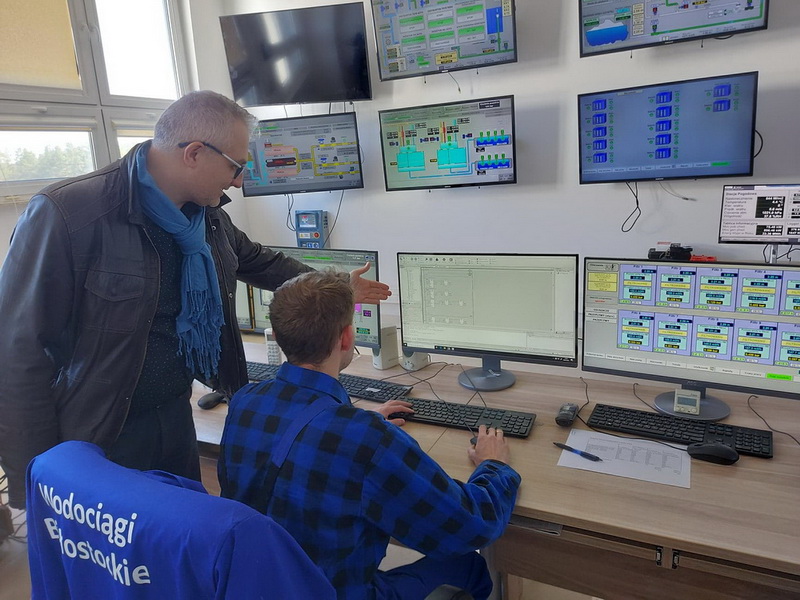
This concentrates software management, monitoring, backups, and maintenance procedures around a known access point. It can also separate permission to reach the workstation from permission to reach the controller network.
A jump host is not automatically secure. If it has unrestricted access to every controller and server, compromising it may still expose the full environment. Use individual accounts, appropriate authentication, controlled sessions, and firewall rules that limit the workstation to required destinations. Where practical, keep vendor access disabled until an approved support window begins.
SSL-VPN and ZTNA: Compare real configurations
SSL-VPN
Common fit
- Encrypted network connectivity with policy-based restrictions
- Often straightforward for legacy industrial protocols
- Can support MFA and centralized identity
- Requires careful routes, firewall rules, and endpoint controls
ZTNA
Common fit
- Identity and policy-based access to approved resources
- Designed to minimize resource exposure
- May evaluate device posture and contextual signals
- Requires verification of protocol and engineering-tool compatibility
Either approach
Shared engineering questions
- What becomes reachable after authentication?
- Which infrastructure and services are required?
- What fails if a gateway or identity provider is unavailable?
- Can access and changes be attributed to an individual?
Modern VPN platforms can apply many Zero Trust principles. Some ZTNA products can provide broader network-level access for applications that require it. Compare the actual access path and enforced policies, not the labels.
Restrict remote access by purpose
Scenario A
SCADA interface support
Limit the contractor to a designated SCADA workstation or web interface. Direct PLC connectivity may not be needed.
Scenario B
PLC programming support
Provide an approved engineering workstation with the required software and communication path to the affected controller only.
Scenario C
Equipment manufacturer support
Limit access to a service workstation or approved gateway that can communicate with the specific drive, analyzer, or other device.
These sessions can also need different authorization for viewing information, changing configuration, or performing work that could interrupt operations. The objective is not simply to identify who connected. It is to control what the connection permits.
MFA matters, but it is not enough
Multifactor authentication helps prevent a stolen password from being sufficient for remote entry. It does not correct excessive permissions, protect an already authenticated endpoint, or replace segmentation.
Plan for failure and emergency support
A facility should understand what happens when the internet connection fails, the VPN or ZTNA gateway is unavailable, an identity provider cannot be reached, a vendor cannot establish a session, or a security incident requires remote access to be disabled.
Local personnel should retain appropriate onsite operating and maintenance procedures. For critical systems, define how authorized emergency support will work when the normal remote-access path is unavailable. An alternate path must remain secured and controlled instead of becoming an unmonitored backdoor.
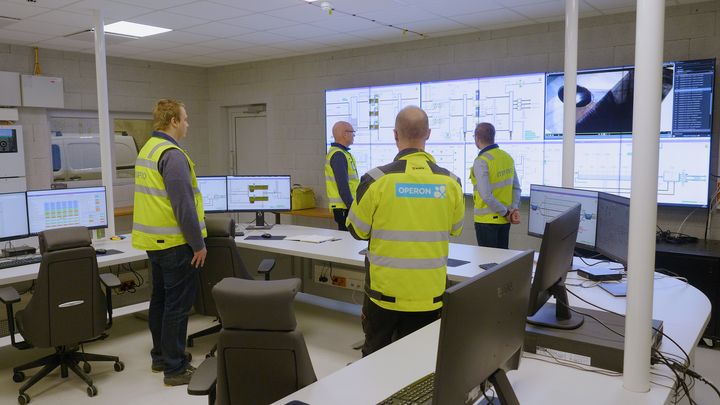
Remote-access infrastructure
Local control system
Monitoring and accountability belong in the design
Facilities should be able to determine who connected, when the session occurred, which resources were accessed, and when the session ended. Where supported and appropriate, session recording can add accountability.
Connection logs do not always show what changed inside a PLC or SCADA application. A complete maintenance record may also require controller program comparisons, configuration backups, application change logs, work notes, and verification after the session. Remote work should follow the same operational discipline as onsite maintenance.
Choose the architecture the facility can operate
A smaller municipal facility with a limited vendor group may be well served by a tightly configured SSL-VPN, MFA, a dedicated engineering workstation, and restrictive firewall policy. A larger organization with many vendors and facilities may benefit from centralized ZTNA policy and granular identity-based controls. A hybrid design can also be appropriate.
Security
What resources become reachable, and what prevents lateral movement?
Compatibility
Does the design support the real programming and diagnostic tools?
Reliability
What happens when connectivity, a gateway, or authentication service fails?
Maintainability
Can local personnel understand, administer, back up, and recover the system?
Accountability
Can sessions and changes be attributed to specific individuals?
Lifecycle cost
What are the licensing, support, training, and long-term operating requirements?
Primary guidance and further reading
Foundational concepts for resource-focused access and the removal of implicit trust based on network location.
Read the NIST publication
Industrial remote-access guidance covering architecture, policy, defense in depth, and operational considerations.
Read the CISA guidance
How can BEA help?
Britton Electronics & Automation approaches industrial remote access by first understanding the facility network, the equipment requiring support, the tools used by technicians, and the consequences of remote activity.
We can help evaluate secure connectivity, firewall policy, segmentation, engineering workstation access, vendor workflows, and recovery requirements. Whether the solution uses SSL-VPN, ZTNA, or a combination, the goal is the same: provide authorized personnel with the access required for the approved work without unnecessarily exposing the rest of the operation.